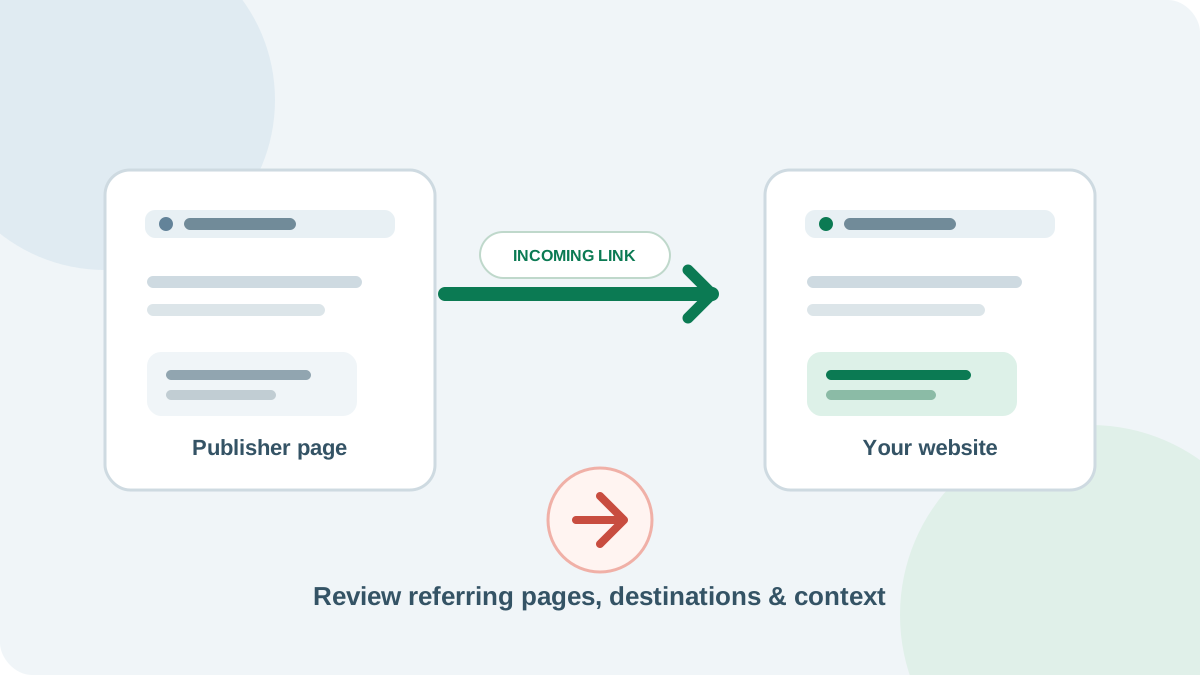
An incoming link—also called a backlink—is a link from another website to a page on yours. A useful incoming links checker helps you find those links, see which pages they point to, and spot links worth a closer look. Start with Google Search Console for your own verified site, then use a separate backlink index when you need a broader view or competitor research.
Quick answer: In Search Console, open Links → External links to review top linking sites, linked pages, and link text. The report is a sample, may include links that have since disappeared, and does not identify nofollow links. Use it as an overview, not a complete live list.
What does an incoming links checker show?
A backlink checker finds pages on other websites that link to your site. Depending on the tool, it may show the linking page, the destination URL on your site, anchor text, when the link was first or last seen, and whether the link uses a qualifying attribute such as nofollow.
Every tool has its own data source. Google Search Console reports links Google has found for a verified property. Third-party backlink tools build their own indexes by crawling the web. Their totals can differ because each index discovers, groups, and refreshes links differently. Look at examples and trends, not only the headline count.
How to check incoming links in Google Search Console
- Verify your website property. Search Console must be set up for the domain or URL prefix you want to review. If you do not manage the property, ask its owner to grant you access.
- Open the Links report. In the left navigation, select Links. Under External links, review the top linked pages, top linking sites, and top linking text.
- Inspect a page or site. Open More below a table, then choose a linking site or a page on your site to see more detail about that relationship.
- Export a copy. Use the export option to save the available rows as a CSV or Google Sheet. Keep the date with the export so you can compare it with a later check.
- Verify important links in a browser. Open a sample of the linking pages and click through to confirm the link is still present and reaches the expected destination.
Search Console groups linking sites by root domain, so versions such as www.example.com and example.com are generally grouped together. Google also notes that its Links report is not a comprehensive list: tables can be limited, some links may be omitted, previously found links may no longer exist, and the report does not show whether a link is marked nofollow.
When to use a third-party backlink checker
A third-party backlink index can help when you want to research competitors, look for newly discovered or lost links, or inspect more link details than Search Console provides. Choose one tool for regular comparisons, record the date and scope of each report, and review a sample of the source pages. Switching tools can change the reported count even when your link profile has not changed.
Use Search Console for the view Google provides about your verified site, and a backlink index for additional discovery and competitor research. Neither is a perfect inventory of every link on the web.
How to review a backlink
- Read the source page. Does the surrounding page discuss a topic related to the page it links to? A link that helps readers understand a point is more useful than one placed without context.
- Check the destination. Confirm that the link points to the right page on your site and that the page still loads at its final URL.
- Read the anchor text. The clickable words should describe the destination naturally. A report full of repeated, exact-match commercial phrases deserves a closer look, but a single unusual phrase does not tell you the whole story.
- Understand the relationship. Paid placements should be qualified appropriately. Google recommends
rel="sponsored"for advertisements and paid placements, andrel="ugc"for user-generated links such as comments and forum posts. - Judge the page, not just a score. Authority numbers are estimates from individual vendors. They are not Google ranking scores and should not replace checking the source, context, destination, and likely value to a reader.
Avoid buying or exchanging links for the purpose of manipulating rankings. Google classifies link schemes used to influence Search as link spam. Advertising and sponsorship are different: label those links with the appropriate relationship attribute.
Find links that point to missing pages
Sometimes another site links to a page on your domain that has moved or returns an error. Start with the target URLs listed in Search Console or your backlink report. Check their status, then choose a fix that preserves the visitor's intent:
- Restore the page if people still need the original information.
- Use a permanent redirect when a close replacement exists, and update your own internal links to the final URL.
- Keep a proper 404 or 410 response when the content is gone and there is no relevant replacement.
Do not redirect every missing page to the homepage. A redirect should lead to a page that genuinely serves the same need. For a list of destination URLs, the SEO Wins Bulk URL Checker checks status codes, redirects, and indexability for up to 50 URLs. To inspect links found on one source page, use the SEO Wins Broken Link Checker.
Incoming links checker vs. broken link checker
These tools solve different problems. An incoming links checker finds links on other websites that point to your domain. A broken link checker reads links found on a page and checks whether their destinations work. A backlink index is needed to discover referring sites; a page-level link checker cannot provide that web-wide index.
SEO Wins currently offers page audits, a broken-link checker, and a bulk URL checker. Those tools can help validate pages and links after you identify them, but they do not list all domains linking to your site. For your own backlink overview, start with the Search Console Links report; use a backlink index when you need wider discovery or competitor data.
A simple monthly link review
- Export the latest Search Console link data and save the report date.
- Compare the same categories in the same third-party tool, if you use one.
- Review a small sample of new, lost, or high-count links by opening the source pages.
- Check that your most-linked destination pages are still live and useful.
- Fix broken target URLs where a relevant replacement exists, then recheck the destination.
- Record what changed and why, rather than acting on one unexplained score.
This keeps the review focused on links that people may actually use. It also gives you a consistent way to see whether a useful guide, study, or tool is earning new references over time.
Frequently asked questions
How can I check my backlinks?
For your own verified site, open the Links report in Search Console. Use a third-party backlink index when you need wider discovery or competitor research. SEO Wins can check known page links and destination URLs, but it does not provide a web-wide backlink index.
Is Google Search Console a free backlink checker?
Yes. Its Links report is free for a verified property and shows samples of external linking sites, linked pages, and link text. It is not a complete live inventory and it does not label links as nofollow.
Why do backlink tools show different totals?
Each provider crawls and groups its own link data, and the data can be discovered or refreshed at different times. Compare trends within one tool and inspect the pages behind important links.
Are nofollow links bad?
Not automatically. A link can send relevant visitors even when it is qualified. Search Console does not show the nofollow attribute, so use a tool that exposes page markup if you need to inspect it.