llms.txt is a proposed Markdown file that lists a website's most useful pages for AI tools. Most sites do not need one to appear in AI search, and Google says it is not required for its AI features. It can still be worthwhile for documentation and developer products.
Short answer: treat llms.txt as a small, optional extra. Fix crawler access and content first. If you decide to add the file, the llms.txt generator and validator can draft and check it in a few minutes.
What is llms.txt?
llms.txt is a plain text file written in Markdown and placed at the root of a site, such as example.com/llms.txt. Jeremy Howard proposed it in September 2024. The idea is simple: web pages are full of menus, scripts and layout, so a short curated file can point an AI tool straight to the content that matters.
It is a community proposal, not a standard from a formal standards body, and no AI company is required to read it.
What does an llms.txt file look like?
The proposal sets out a simple order. Only the H1 is required.
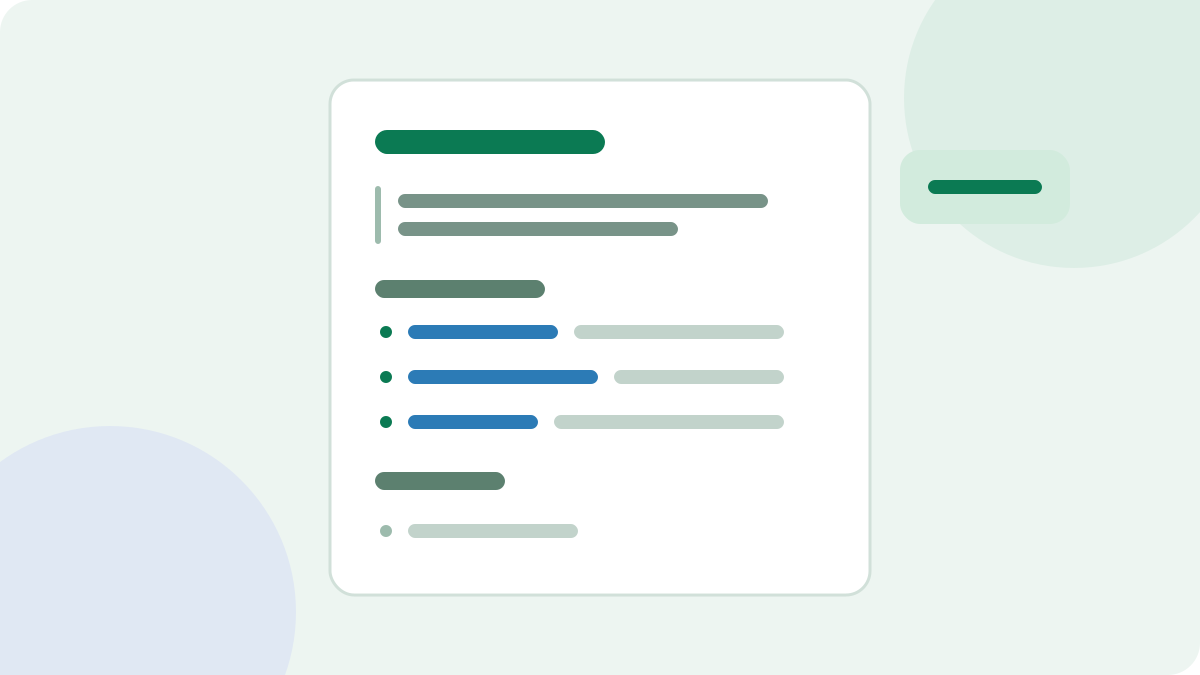
# Example Store

> Example Store sells repair parts for home coffee machines and publishes free repair guides.

## Guides

- [Descaling guide](https://example.com/guides/descaling): How often to descale and which products are safe
- [Fix a leaking machine](https://example.com/guides/leaks): Common causes and repairs

## Optional

- [About us](https://example.com/about): Company background
The section named Optional has a special meaning. It holds secondary links that a tool can skip when it needs less context.
How is it different from robots.txt and a sitemap?
| File | Job | Who it is for |
|---|---|---|
| robots.txt | Asks crawlers to stay away from, or allows, certain URLs | Crawlers |
| sitemap.xml | Lists the URLs you want discovered | Search engines |
| llms.txt | Suggests your best content, with short notes | AI tools that choose to read it |
llms.txt does not control access. It can't block a crawler, and it can't give one permission. Those decisions belong in robots.txt and your server settings, as the AI crawler access guide explains.
Does Google use llms.txt?
Google's documentation on AI features says you do not need to create new machine-readable files or AI text files to appear in AI Overviews or AI Mode. It also says no special schema markup is needed. If your goal is Google visibility, llms.txt should not be near the top of your list.
Be careful with claims from other sources. You may read that adding the file improves AI citations, but we have not seen reliable public evidence for that. A site that adds the file while improving its content may see gains, and that doesn't show which change helped.
When is llms.txt worth adding?
It makes most sense where people use AI tools to work directly with your content:
- Developer documentation. A coding assistant can be pointed to your file to find the right docs.
- Software products. A curated list helps explain features, pricing and support pages.
- Large knowledge bases. The file can point to the guides that matter most.
For a small local business, it is a low priority. It will not hurt, but your time is better spent on your service pages and business details.
How to create an llms.txt file
- Pick 10 to 30 pages that best explain what you do. Quality matters more than coverage.
- Write one factual line about each page.
- Group the links under clear H2 headings.
- Put legal and background pages under Optional.
- Validate the format and test every link.
- Upload the file to your site root and confirm that it loads.
The hard part is choosing. A copy of your sitemap adds very little, because tools can already read your sitemap.
Common mistakes
- Using it to promote. Keep the notes factual. Sales language helps nobody here.
- Saying something your pages do not. The file should match your public content.
- Forgetting to update it. Broken links are a sign of a neglected file, so recheck it when pages change.
- Using relative links. Full URLs work wherever the file is read.
- Expecting instant results. You may see requests for the file in your logs, but that does not prove any benefit.
To find out whether anything requests your file, search your access logs for llms.txt, or use the AI Bot Log Analyzer to see which bots are visiting.