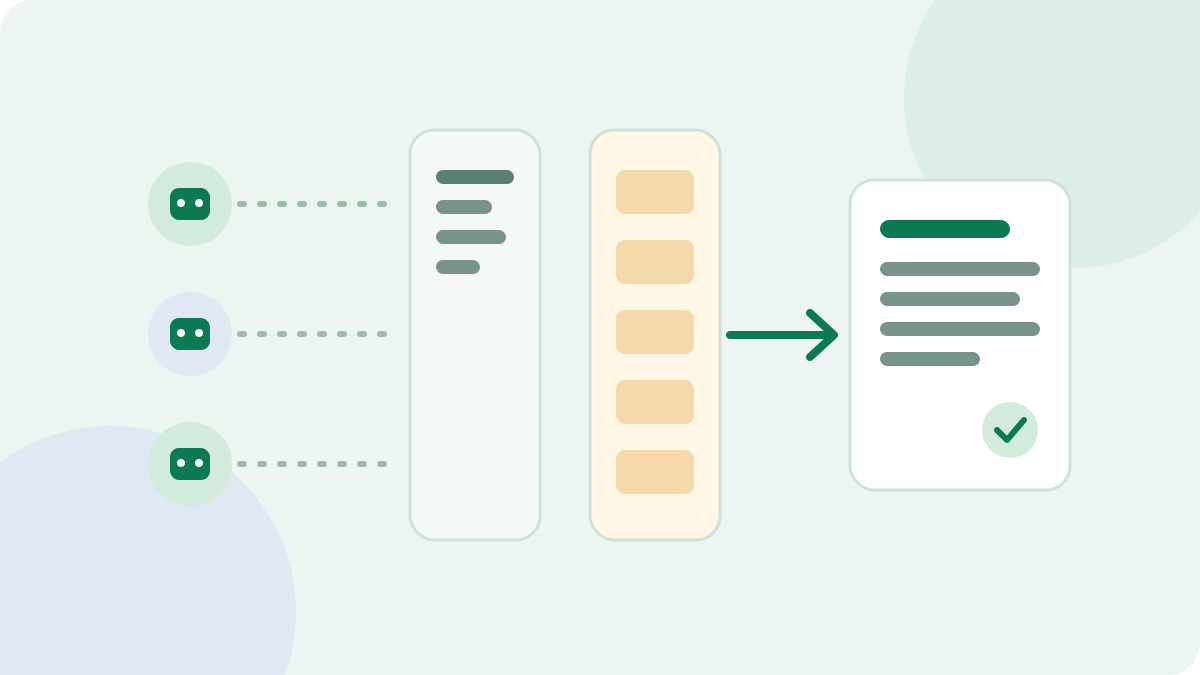
To check whether AI crawlers can access your site, test two separate things: what your robots.txt file asks them to do, and what your server does when they arrive. Many sites only check the first one, so a firewall block can go unnoticed for months.
Quick test: enter a page in the AI Crawler Checker. It compares your robots.txt rules with a live request for each crawler, then shows which layer is causing a problem.
Know which crawler does which job
"AI crawler" is too broad to be useful. The major companies now run separate bots for separate jobs, and the right decision for one may be wrong for another.
| Job | Examples | If you block it |
|---|---|---|
| Search | OAI-SearchBot, Claude-SearchBot, PerplexityBot | Your pages may be left out of that product's search answers. |
| User visit | ChatGPT-User, Claude-User, Perplexity-User | A product may not be able to open your page when someone asks it to. |
| Training | GPTBot, ClaudeBot | You signal that future content should not be used for model training. |
OpenAI says its settings are independent, so a site can allow OAI-SearchBot while blocking GPTBot. Anthropic describes the same split between ClaudeBot, Claude-User and Claude-SearchBot. You do not have to choose between all AI access and none.
Layer one: read your robots.txt rules
Open yoursite.com/robots.txt. Look for groups naming a crawler, and for the general User-agent: * group. A crawler follows the most specific group that matches it, so a rule written for everyone stops applying once that crawler has its own group.
This example blocks model training for two crawlers and leaves everything else open:
User-agent: GPTBot
Disallow: /

User-agent: ClaudeBot
Disallow: /

User-agent: *
Allow: /
Two details catch people out. First, robots.txt works per host, so each subdomain needs its own file. Second, OpenAI says its rules may not apply to ChatGPT-User because a person started the visit, and Perplexity says Perplexity-User generally ignores robots.txt for the same reason. Do not treat a Disallow line as a guaranteed block for those bots.
You can test edits before publishing with the robots.txt tester.
Layer two: test what your server does
Your firewall does not read robots.txt. CDNs, security plugins and hosting companies can all refuse a crawler on their own. Cloudflare, for example, has a setting for blocking AI bots, and it can be switched on by someone who was not thinking about search at all.
You can run a basic test yourself from a terminal:
curl -I -A "GPTBot" https://example.com/
Compare that response with a normal browser visit. These results are worth a closer look:
- 403 or 401: the request was refused.
- 429: a rate limit stepped in.
- 503 or a challenge page: the bot got a security check rather than your content.
- 200 with very little text: the page may rely on JavaScript, or may be serving something different.
The last case is easy to miss, because the status code looks fine. Compare word counts as well as status codes.
Why a clean test is not final proof
A test tool sends requests from its own IP address, using a crawler's name. That catches rules based on the user agent. It does not copy a verified crawler, because the real one comes from the company's own IP ranges. Some firewalls allow verified bots and refuse imitators, and others do the reverse.
So a refusal is a strong clue, and a pass is a good sign. For proof of what really happened, read your logs. The guide to finding AI bots in server logs explains how.
Do not forget Google
Google's AI Overviews and AI Mode don't use a separate crawler that you allow or block. Google says a page needs to be indexed and eligible to show with a snippet, and that normal controls such as robots.txt, nosnippet and noindex apply.
Google-Extended is a different control. It is a robots.txt token rather than a crawler, used to limit content for Gemini training and grounding. It does not affect how your pages appear in Google Search.
A simple way to decide
- List the crawlers that matter for your goals. Keep search and user bots open if you want AI visibility.
- Decide on training crawlers as a separate business choice.
- Write those decisions into robots.txt.
- Check that your CDN and firewall settings match them.
- Retest after any change to your host, CDN or security plugin.
Access only makes a citation possible. Once crawlers can reach you, the content has to earn its place. The AI search content checklist covers that next step.